Every film. Your language.
Read subtitles on your phone while the film plays on another screenChoose one or two subtitle languages. Read on your phone, Apple Watch or compatible glasses.
Offline in the native apps
On iPhone, Apple Watch and Android, playback needs no connection after you load subtitles.
Made for dark cinemas
Almost the entire screen stays black. On OLED, black pixels stay off—so you can read without lighting up the row.
One or two languages
Find subtitles in the native app, or bring one or two SRT files you already have.
Use CinemaCC without an account
There are no ads or ad tracking. OpenSubtitles sign-in is optional.
Set before the lights go down.
-
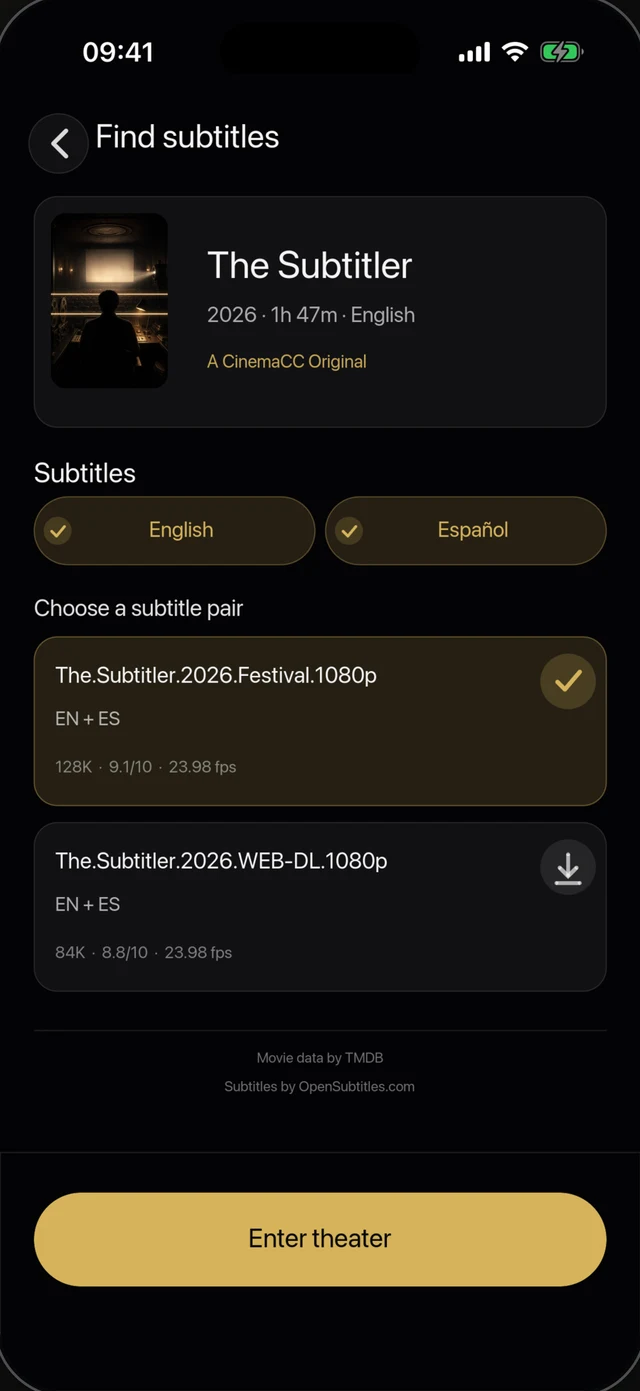
Find or import subtitles
Search by movie and language in the native app, or bring one or two SRT files.
-
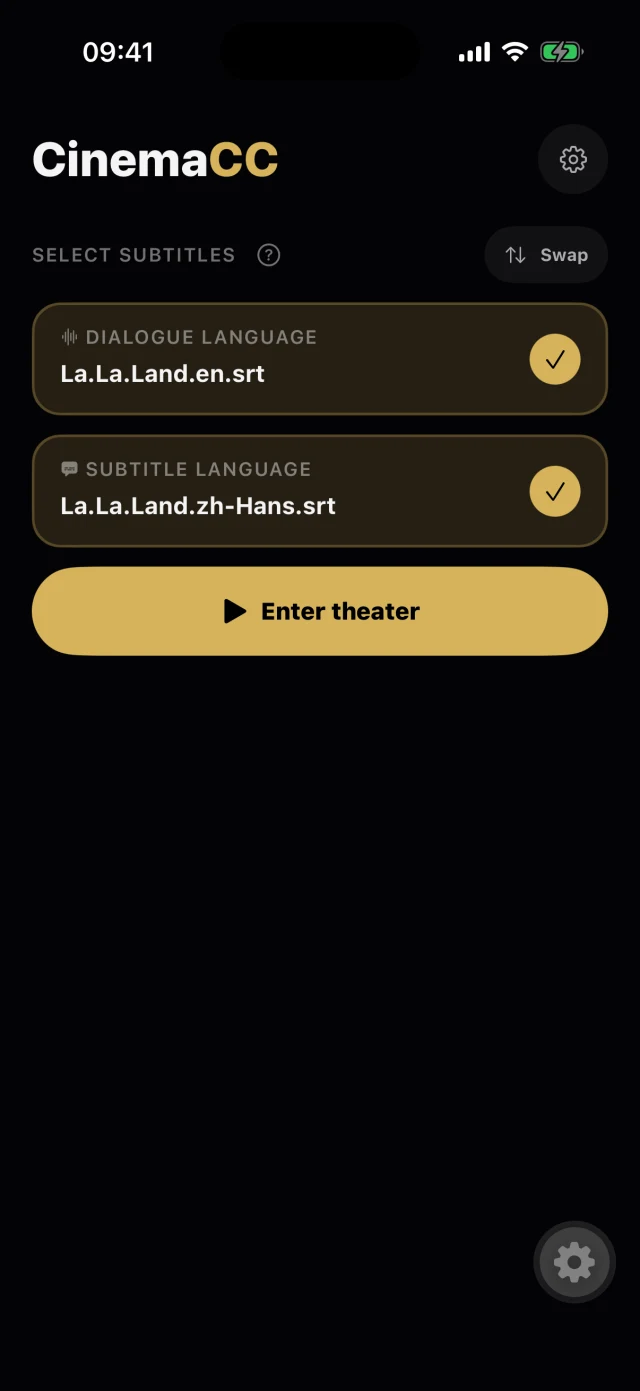
Tap Start at the first frame
One tap when the film begins. The clock runs offline from there.
-
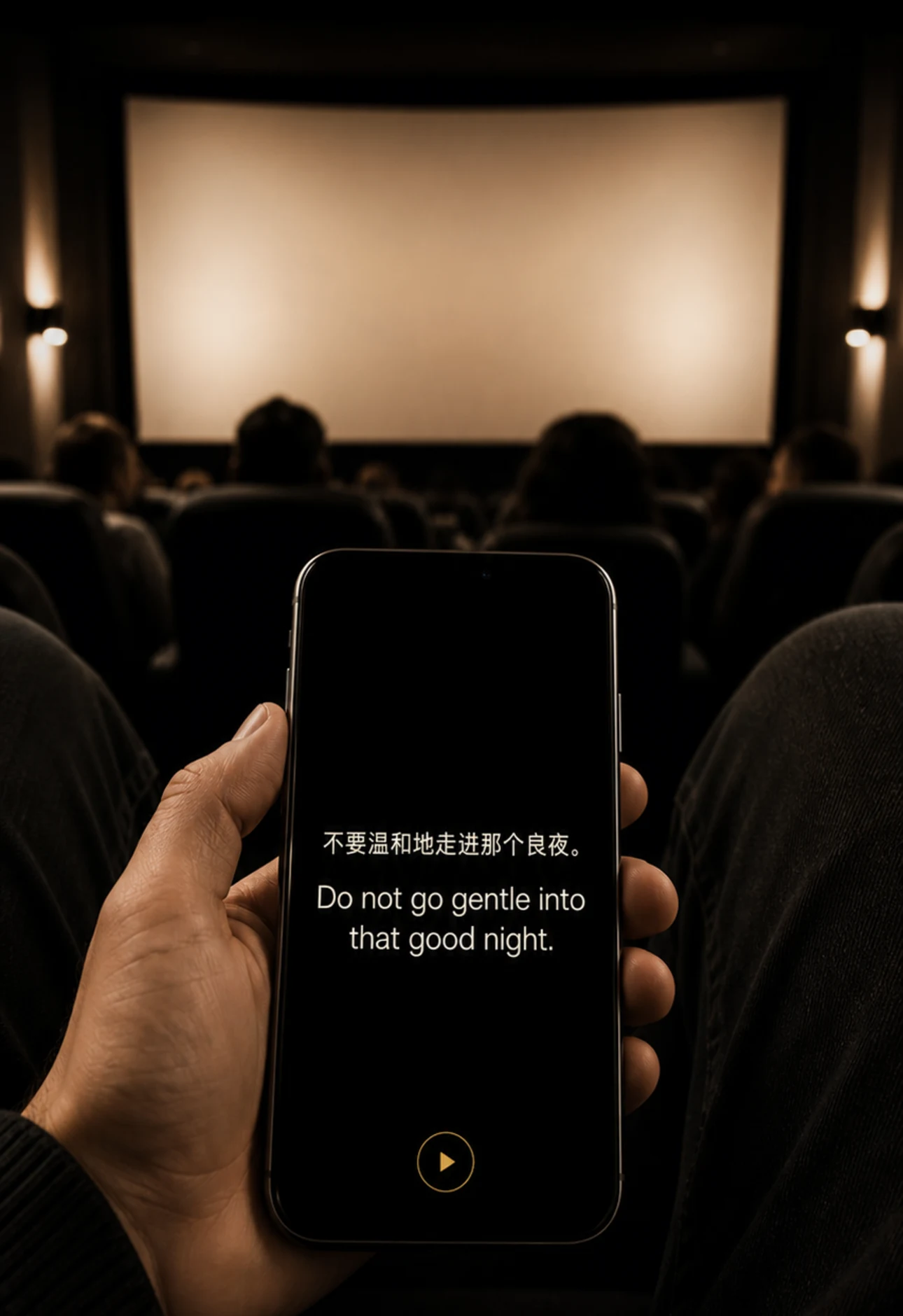
Follow the subtitles
One or two subtitle tracks scroll in time on a mostly black screen.
Find My Place
Lost the line? Let it listen.
CinemaCC hears a few seconds of dialogue, matches it against your subtitle file, and jumps to the exact line. All on your device.
iPhone · Android 13+

Demo: the theater plays the Iron Man line from Avengers: Endgame. CinemaCC hears it, finds the line in your subtitle file, jumps to it, and shows Synced.
BEYOND YOUR PHONE ON YOUR WATCH OR GLASSES


Apple Watch
Sync once at your seat, then follow every line from your wrist. Your iPhone can stay in your pocket.
Help
Even G2
CinemaCC lets you prepare a subtitle track on your phone, load it into the Even G2 companion and keep the words in step with the film. The phone owns the timeline; the glasses show the active cue.
How to Watch Movies with Subtitles on Even G2Partner with CinemaCC
For glasses makers and film organizations: help audiences watch films in their own language.
Blog
Stories from the cinema, notes from building CinemaCC, and practical subtitle guides

I moved abroad. I didn’t want to stop going to the movies.
How moving abroad led me to build CinemaCC.
Read the storyCinema guide
How to Watch a Movie at the Cinema in a Language You Don’t Speak
Choose the right screening and compare official captions, synchronized apps and personal subtitles when a film is not in a language you understand.
First-hand cinema notes
I Couldn’t Follow Movies Abroad—So I Brought My Own Subtitles
One developer’s honest story of taking personal subtitles into real cinemas—and the routine that made the difference.
On OpenSubtitles Blog · English
Bring your own subtitles to the cinema
Haiyi Mei, creator of CinemaCC, explains subtitle preparation, languages and supported displays.